Collabora Online Integration
As part of an approach focused on openness and technological neutrality, we wanted to enhance Sync-in with an open office alternative. While LibreOffice is gradually replacing proprietary office suites in many information systems, Collabora Online represents its natural extension for collaborative online editing.
We are proud to announce its integration into Sync-in, in line with our vision of a sustainable, interoperable, and sovereign platform.
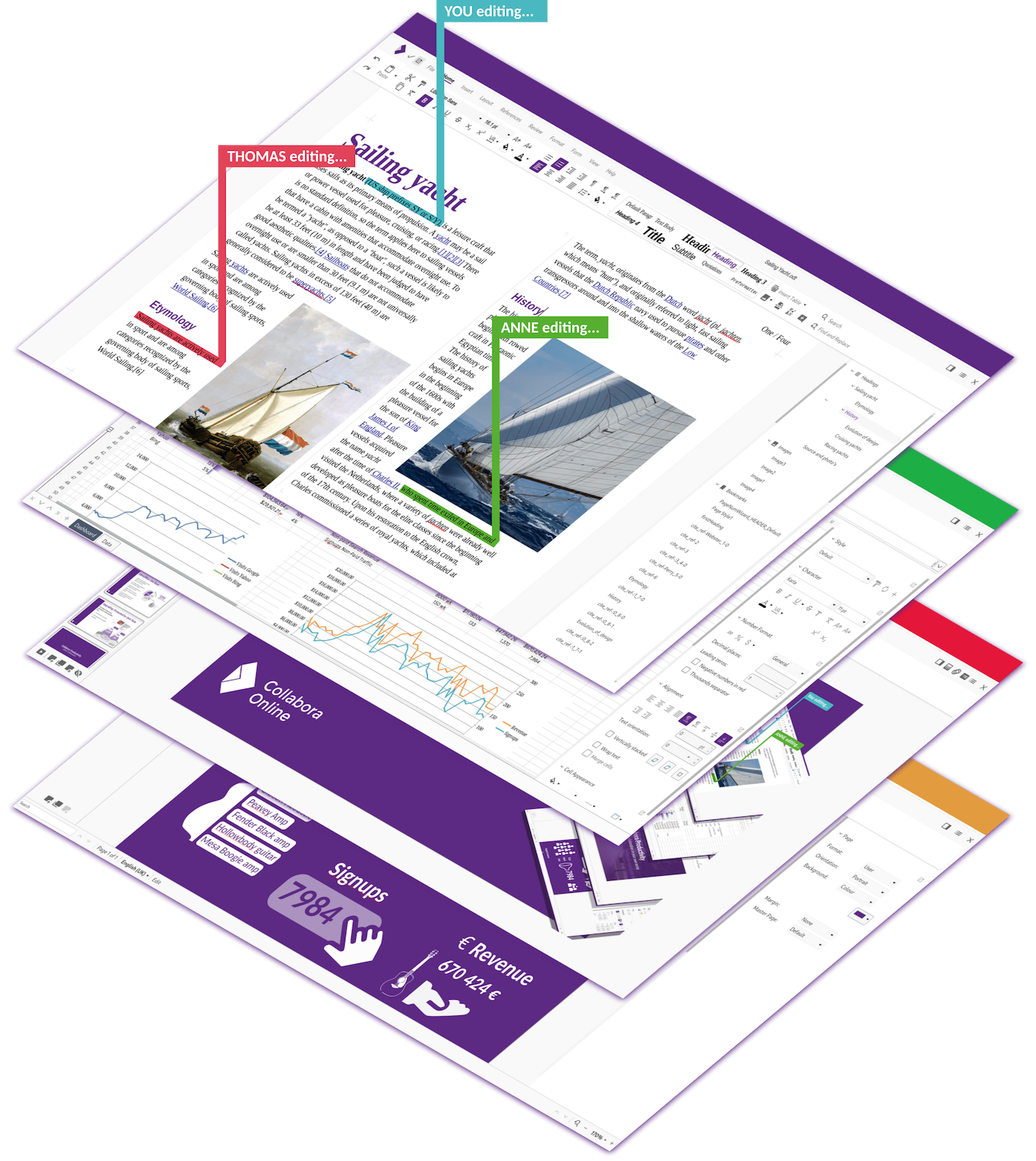
Collabora Online is primarily intended for environments based on open standards and open-source software. The solution provides native support for OpenDocument formats, while ensuring compatibility with Microsoft Office formats.
OnlyOffice and Collabora Online may be complementary depending on the environment.
We therefore chose to allow the joint integration of these solutions into Sync-in, in order to provide broad coverage of
editable formats, while taking into account the technical challenges related to file locking.
➡️ To learn more, see the section dedicated to Collabora Online, OnlyOffice, and their comparison.
✨ Features
-
Node.js
Migration to Node.js 24, while maintaining compatibility with Node.js 22, improving stability and performance. -
Collabora Online integration and multi-editor management
Ability to use multiple editors, with intelligent editor selection based on the document format, and the option to define a default editor in user preferences. -
Enhanced public links
Public links now allow not only downloading, but also access, viewing, and editing of documents, depending on formats and access rights. -
Improved file locking
Reinforced lock management to ensure better compatibility between the different access modes. -
Simplified file opening and management
A single Open button now replaces the View and Edit actions, simplifying the user journey by automatically managing the opening mode and editor based on context. -
Docker Compose update
Integration of Collabora Online via Nginx, addition of a dedicated Docker Compose setup, and update of the existing Nginx configuration.
🐞 Fixes
- Improved display order of recently used files.
- Immediate cache update for access rights on shared links.
- Resolution of translation conflicts affecting the interface date picker.
- Fixed an issue preventing the OTP code request from being displayed on desktop applications.
- Display of the space deactivation date when disabling a space.
- Removal of unwanted redirects when refreshing public links.
- Fixed an issue preventing modifications to existing files.
📘 Documentation
📥 Upgrade to version 1.10 now and take advantage of the Collabora Online integration and the latest Sync-in features!