Sync-in 2.6 - draw.io
Sync-in version 2.6 is now available.
A much-requested feature, the draw.io diagram editor is now available in Sync-in. This integration completes the platform’s editing tools and brings us closer to a shared goal: providing a comprehensive, open collaborative environment that does not depend on proprietary solutions.
This release also introduces a new image viewer, unified search, and persistent user preferences.
✨ New Features
- Create and edit draw.io diagrams
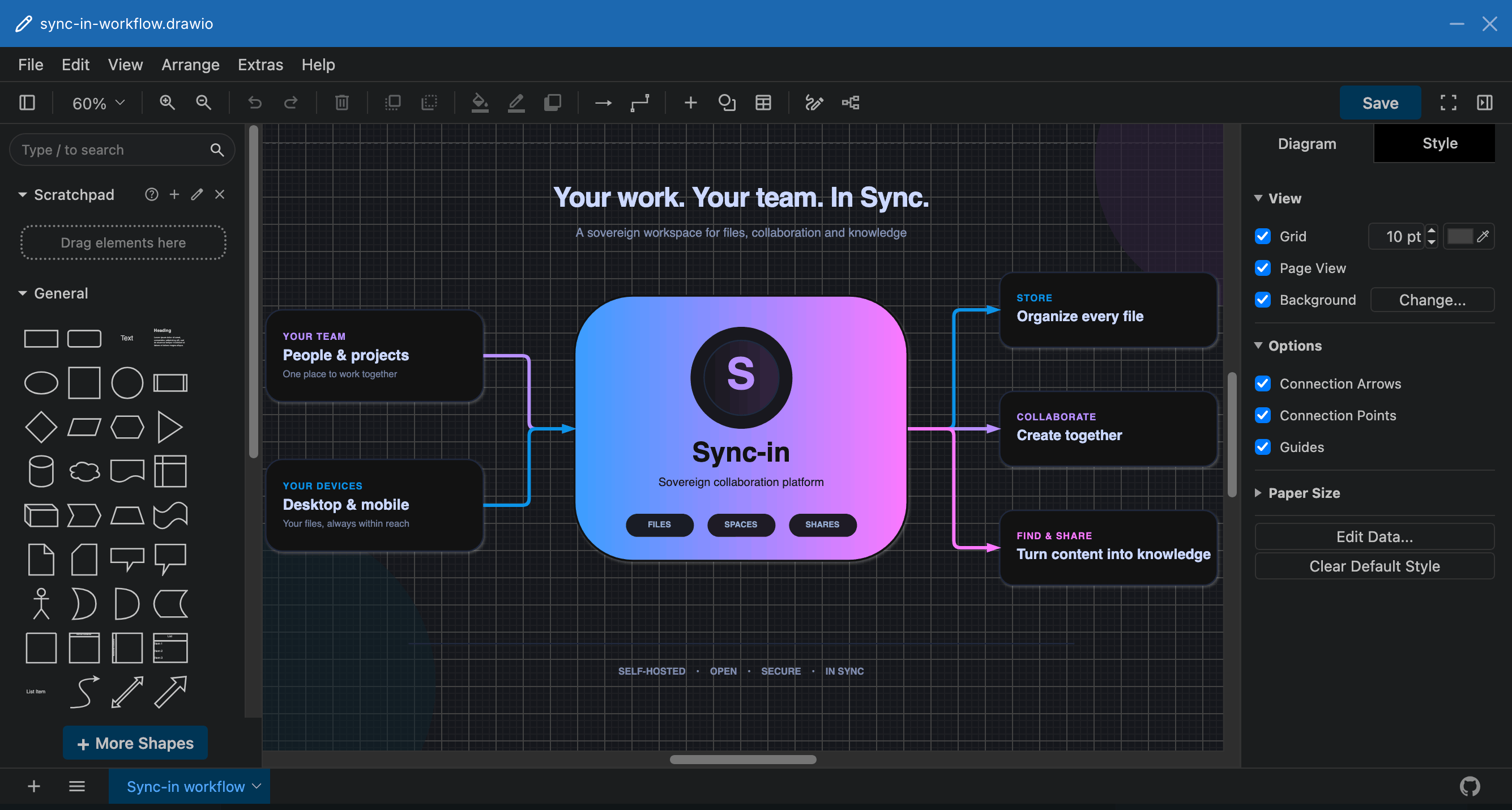
draw.io diagrams can now be created and edited directly in Sync-in, using either the provided Docker service or an external draw.io instance. VSDX and Gliffy files can also be imported and saved as.drawiodocuments.
- Redesigned image viewer
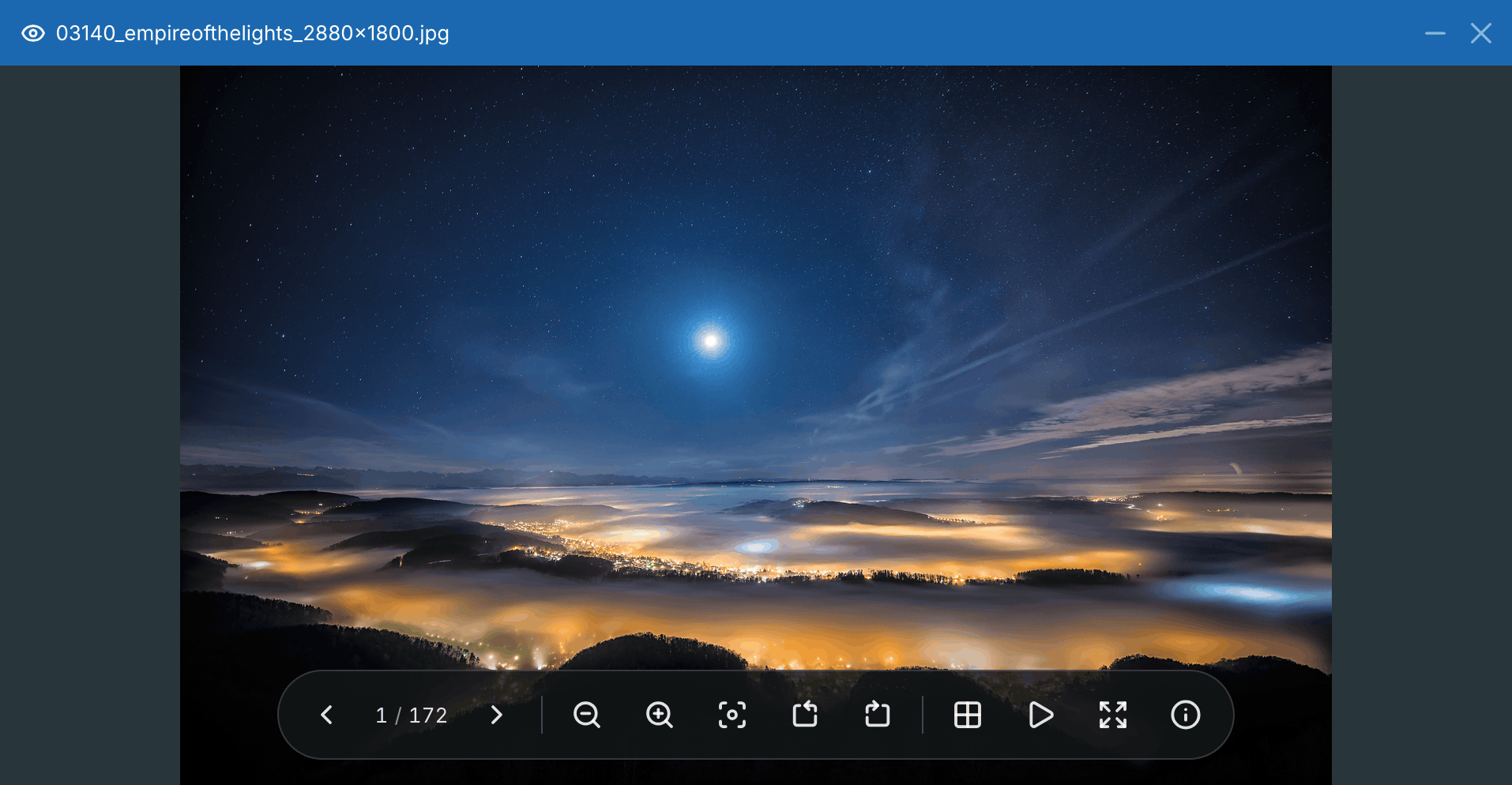
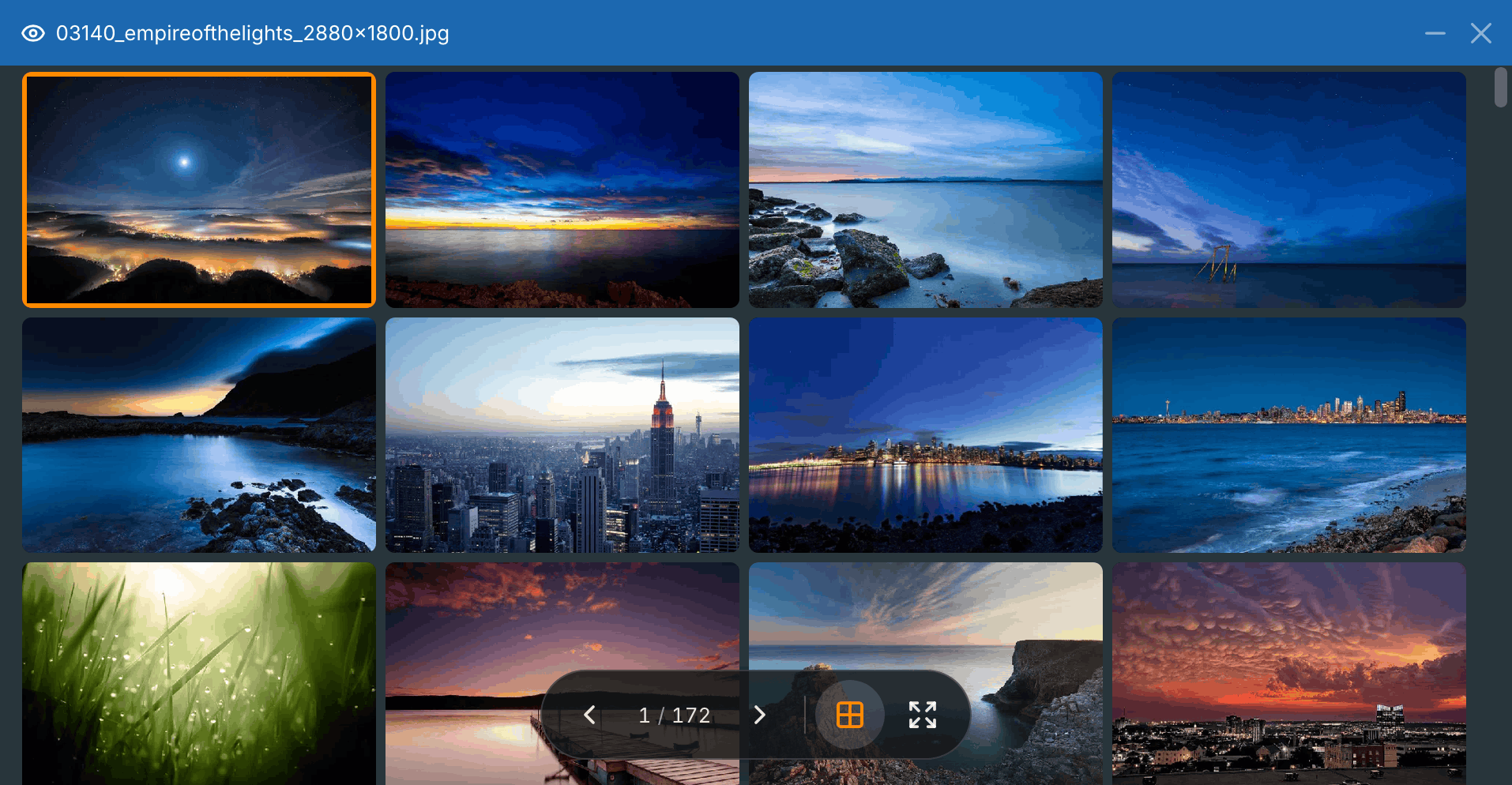
The new responsive image viewer makes it easy to browse images in a folder, with a thumbnail gallery, zoom, rotation, slideshow mode, and fullscreen display on desktop and mobile.
Gallery mode also makes it easy to browse every image in the current folder.
-
Unified search modes
Local filtering and global search are now available from the navigation bar. Users can filter the current view, search for files by name, or search inside indexed documents. -
Persistent user preferences
Display, editing, and notification preferences are now stored with each account and restored across sessions. In Quick Access, Recents and Favorites can be shown or hidden together or individually, then positioned within the menu to suit each user. -
Redesigned document creation dialog
The document creation dialog now groups folders, text and Markdown documents, office documents, and draw.io diagrams. Newly created folders and supported documents can be opened immediately. Keyboard navigation and the mobile experience have also been improved. -
Other improvements
Public-link settings are now clearer, synchronization can ignore deletions for archival or one-way workflows, and the entire interface is available in Catalan.
⚙️ Performance and Platform
This release streamlines the loading of optional services, reduces memory usage by approximately 10%, and optimizes database health checks. The backend also benefits from stricter validation with Zod and now uses ESM, JavaScript’s native module standard.
⚠️ Before you upgrade
-
Node.js 22.12 or newer is required
NPM installations must use Node.js22.12.0or newer. -
SMTP certificate verification is enabled by default
mail.rejectUnauthorizednow defaults totrue. Installations using self-signed SMTP certificates must explicitly configure an exception after reviewing the associated security risk. The previousmail.debugoption has been removed; SMTP details now usemail.loggerand the generallogger.level. -
Hidden-file visibility is now a user preference
The globalapplications.files.showHiddenFilessetting has been removed. Accounts without an existing preference display hidden files by default, and each user or guest can change this behavior from their account settings. -
Numeric
server.trustProxyvalues are deprecated
Thetrueandfalsevalues remain supported. For more precise control, use an IP/CIDR string, an array, or a custom function that validates the proxy address. During the compatibility period, numeric values greater than or equal to1are interpreted astrue, while lower values are interpreted asfalse. See the proxy configuration options for details. -
External editor URLs are validated more strictly
Only valid absolute HTTP or HTTPS URLs are accepted for OnlyOffice, Euro-Office, Collabora, and draw.io.
🐞 Fixes
Sync-in now handles temporary service outages more effectively and automatically resumes activity while preserving active sessions. File-lock reliability and protection against unsaved changes have also been strengthened across online editors.
Mobile users can now access context menus with a long press on iOS, alongside a download shortcut, clearer tabs, and more stable breadcrumbs.
🛡️ Security
Protection against abusive requests is now consistent across sensitive services, including authentication, WebDAV, synchronization, and public links. Password-attempt locks now expire automatically, while authentication reveals less information about account state.
LDAP identity handling, WebDAV sessions, role management, and access to collaborative spaces have also been strengthened to better protect accounts and sensitive operations.
🖥️ Sync-in Desktop 2.3
Version 2.3 of the desktop app is coming soon to extend the improvements in Sync-in 2.6. It will focus on safer, clearer synchronization and support the deletion-safe synchronization introduced with Sync-in 2.6, with configuration available for each synchronization path. A redesigned activity bar will also provide clearer progress information for downloads and synchronizations.
System notifications will be configurable independently for each server. Under the hood, the synchronization engine will be faster and more reliable when processing large file trees. The refreshed interface will also be available in Catalan.