Search
The search field in the navigation bar combines filtering of the current view, global file search, and full-text search. Select a mode from the menu to the left of the field, or use its keyboard shortcut.
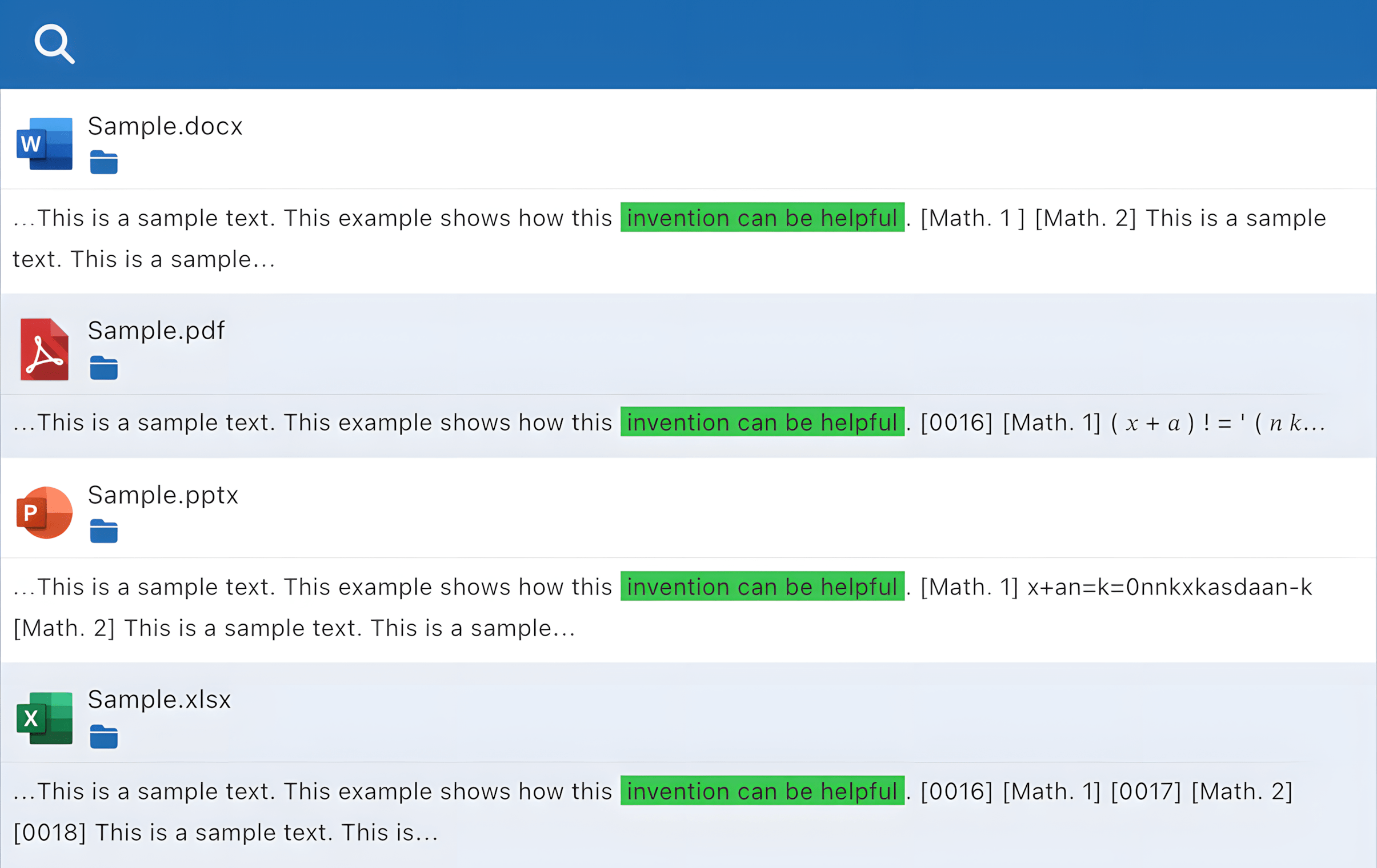
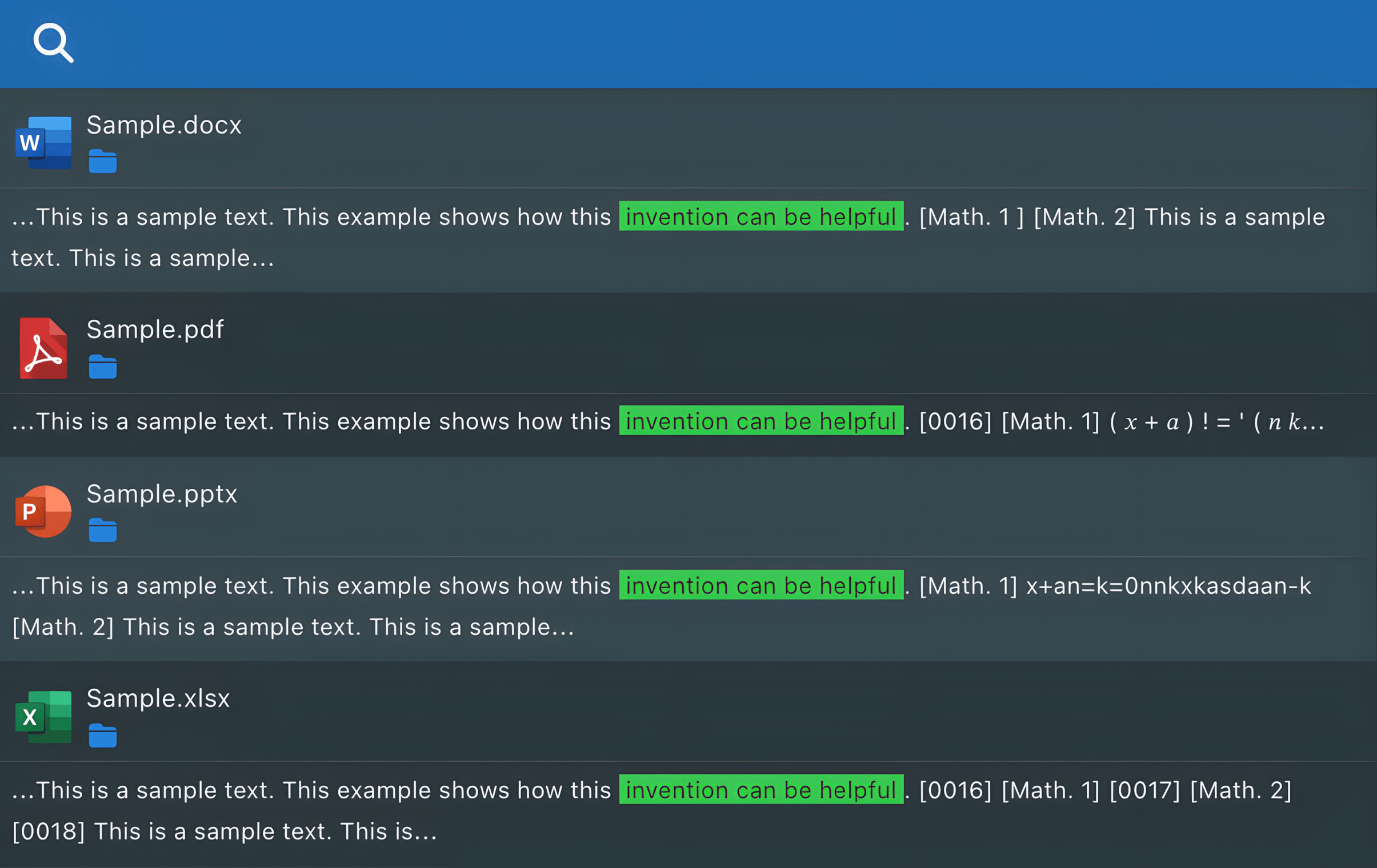
Full-text search works with a wide range of indexed files, including PDF, Office documents, HTML, and plain text.
Access Requirements
Current-view filtering only affects the items displayed in the active view. Global search is available to all users, but its results are limited to personal workspaces, collaborative spaces, and shares where the user has access rights.
Search Modes
Current view (Ctrl/Cmd + D)
Filters the items in the current list or gallery. This mode is available when the active view supports local filtering, and results are updated as you type.
By file name or path (Ctrl/Cmd + K)
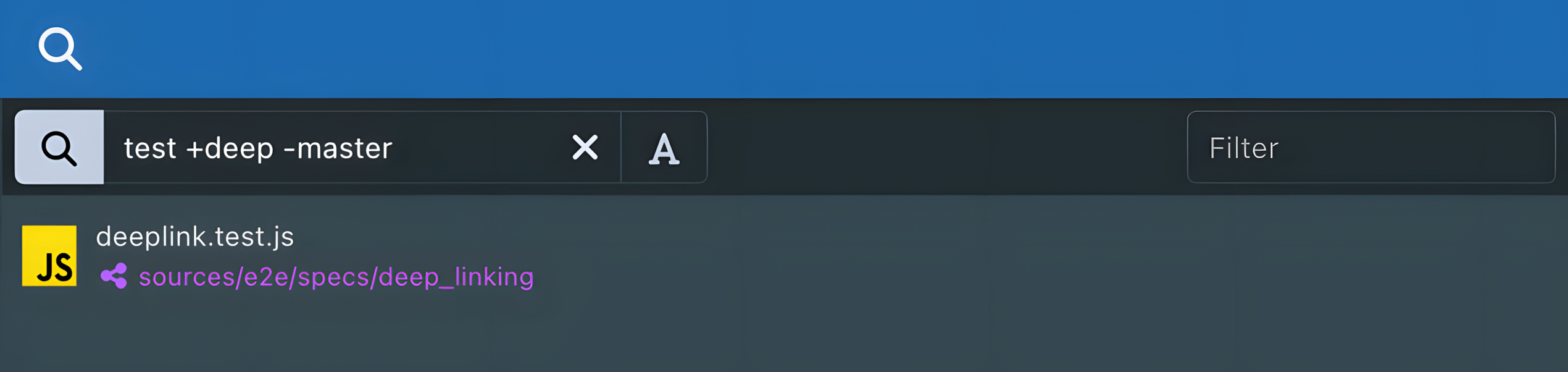
Searches accessible files and folders by name or location. Press Enter or use the search button to run the query.
The engine supports:
- Simple keywords (no operator:
term) - Inclusions (with
+term) — default behavior if no operator is used - Exclusions (with
-term)

By content (Ctrl/Cmd + B)
Searches inside indexed documents. Press Enter or use the search button to run the query.
The engine supports:
- Inclusions (with
+term) - Exclusions (with
-term) - Optional terms (no operator:
term) - Quoted phrases (in quotes:
"this phrase") - Prefix searches (with a suffix wildcard:
set*) - Compound terms, such as dates, email addresses, and hyphenated words
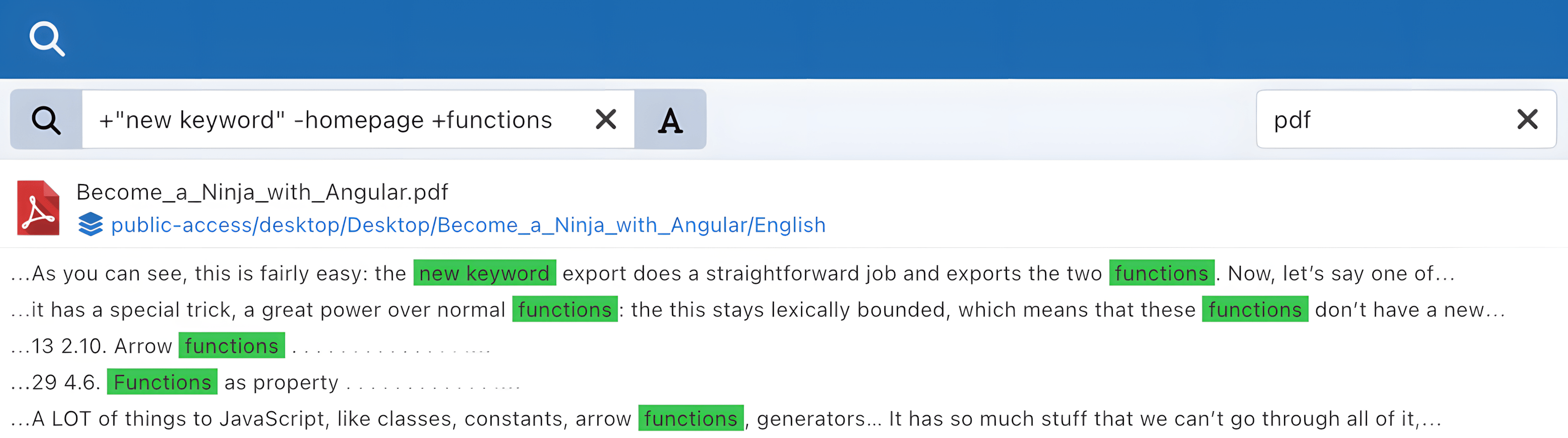
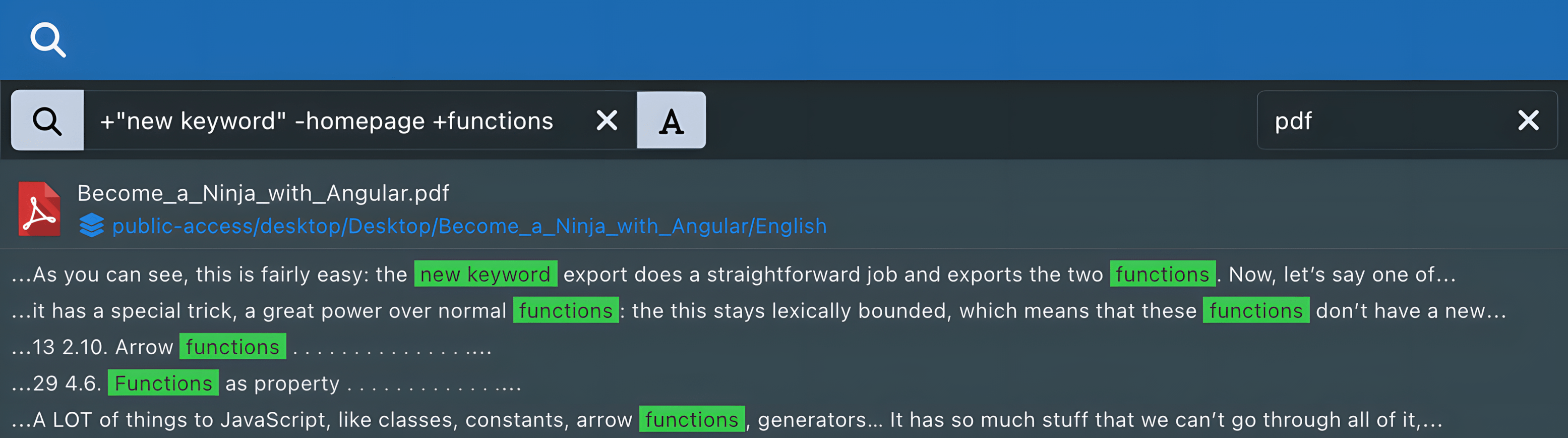
Double-clicking a search result will take you directly to the file's location in the current folder tree.
Search syntax
| Query | Behavior |
|---|---|
report budget | Optional terms. Results must contain at least one of them. |
+report | Required term. |
-draft | Excluded term. The query must still contain at least one positive term. |
"project budget" | Consecutive indexed words in the specified order. |
set* | Prefix search; for example, setting may match. Only a wildcard at the end of a term is supported. |
set-variable | Compound term, automatically handled as a phrase even without quotes. |
2017-03-05 | Date-like compound term, automatically handled as a phrase. |
contact@financo.fr | Email-like compound term, automatically handled as a phrase. |
Operators placed at the beginning of a term retain their Boolean meaning, including with compound terms such as +set-variable. Invalid standalone
or trailing operator sequences are ignored: for example, test+ is normalized to test.
Quoted and compound phrases match a sequence of indexed words rather than punctuation character for character. For example, "set-variable" may also
match set variable because punctuation generally acts as a word separator during indexing.
Indexing
Indexing is the process of analyzing document contents to extract text data for full-text search.
- It runs at regular intervals, typically within a few minutes of a document change.
- It is incremental: content from newly added or modified documents is indexed, while content from deleted documents is removed from the index.